
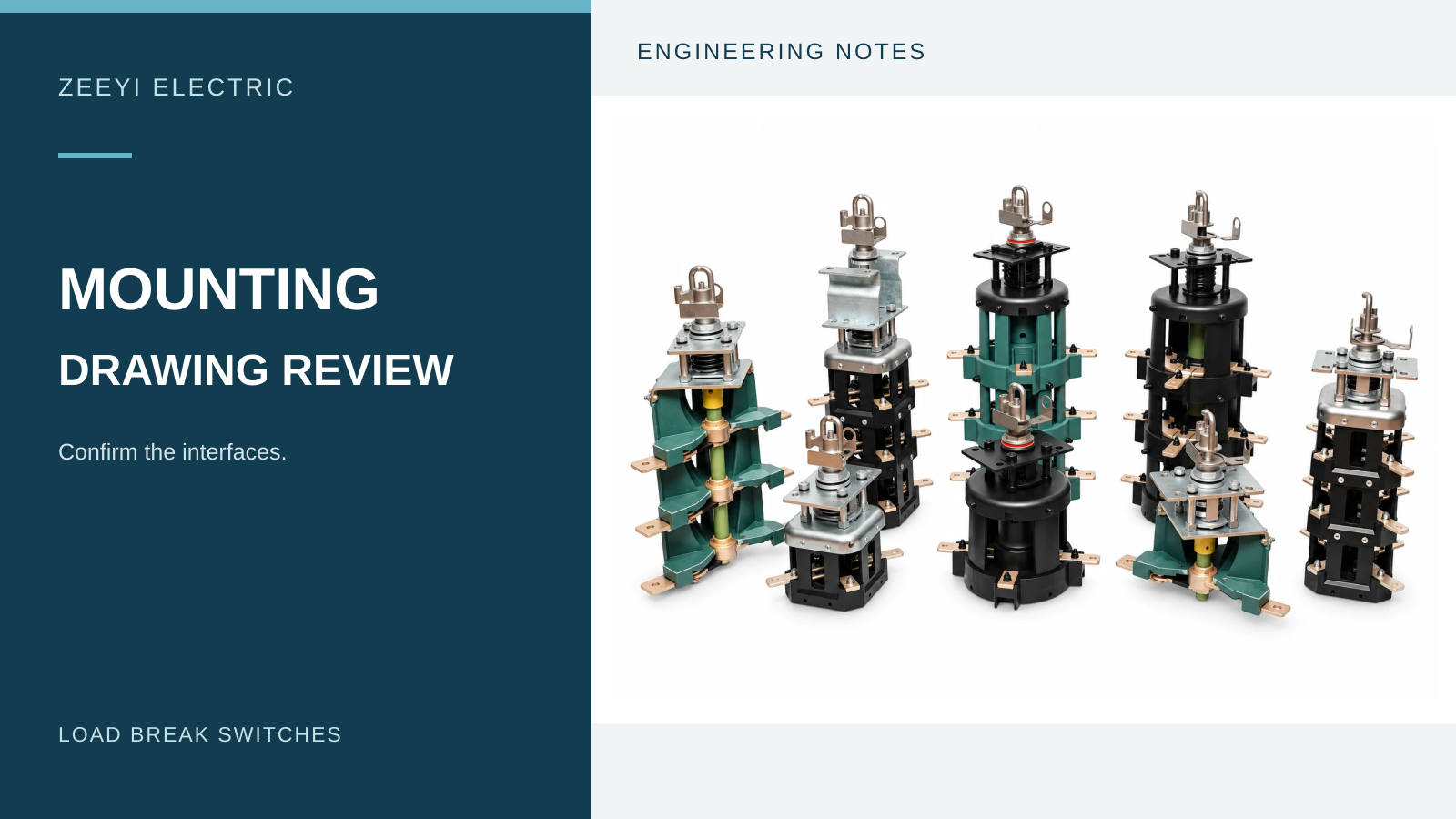
Load Break Switch Mounting Drawing Review: Five Interfaces to Confirm
1. Define the review boundary
Short answer: review five interfaces: tank mounting, operating handle and indication, electrical terminals, internal clearance envelope, and sealing or fluid-related conditions. A matching mounting hole is only one part of compatibility.
This is a purchasing and engineering-review guide, not installation guidance. Do not use these illustrations to drill a tank, assemble a switch or operate energized equipment. Qualified personnel must follow the exact manufacturer's instructions and approved project procedures.
Begin with a short cover sheet: transformer project reference, proposed switch model, mounting arrangement, drawing number, revision and units. Note whether the document is an outline for discussion, a supplier proposal or an approved production drawing. Those statuses should not be treated as equivalent.
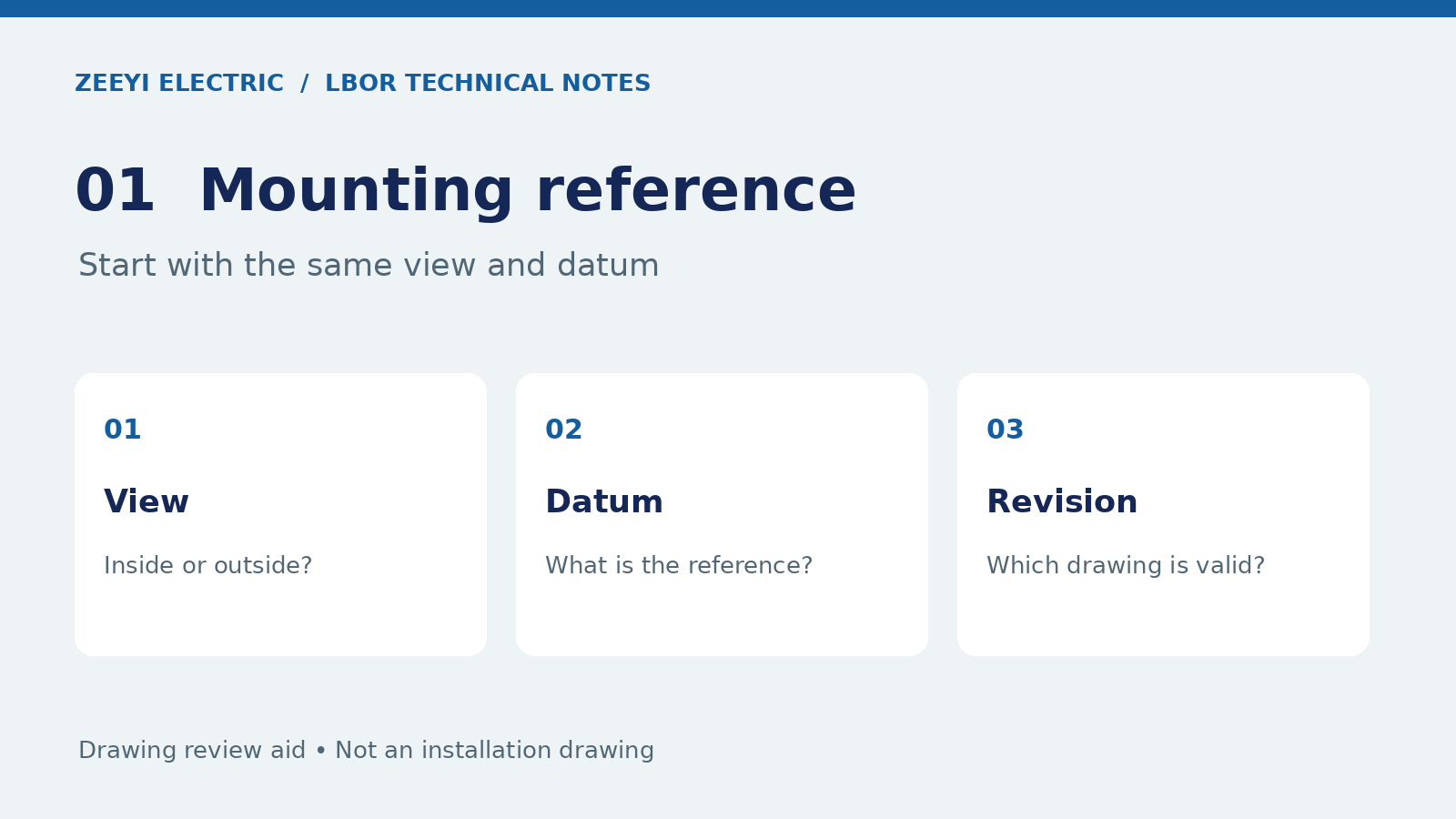
2. Tank mounting: align the view and datum
Ask the supplier to identify the mounting face and the direction of the drawing view. An external view and an internal view can make an otherwise familiar arrangement appear reversed. Record the reference face or centerline used by both the transformer drawing and the switch drawing before comparing callouts.
Check that the applicable mounting pattern, tank interface and relevant tolerances are actually dimensioned. If an outline does not show a required feature, add a question to the review rather than measuring a screenshot. Ask for a sectional view when the relationship between parts is unclear.
Eaton's CA800005EN catalogue distinguishes horizontal and vertical arrangements and provides model-dependent dimensions. It illustrates why mounting orientation and configuration need explicit identification. Its dimensions are not ZEEYI dimensions and must not be copied into a ZEEYI project.
3. Operating handle: connect indication to the circuit
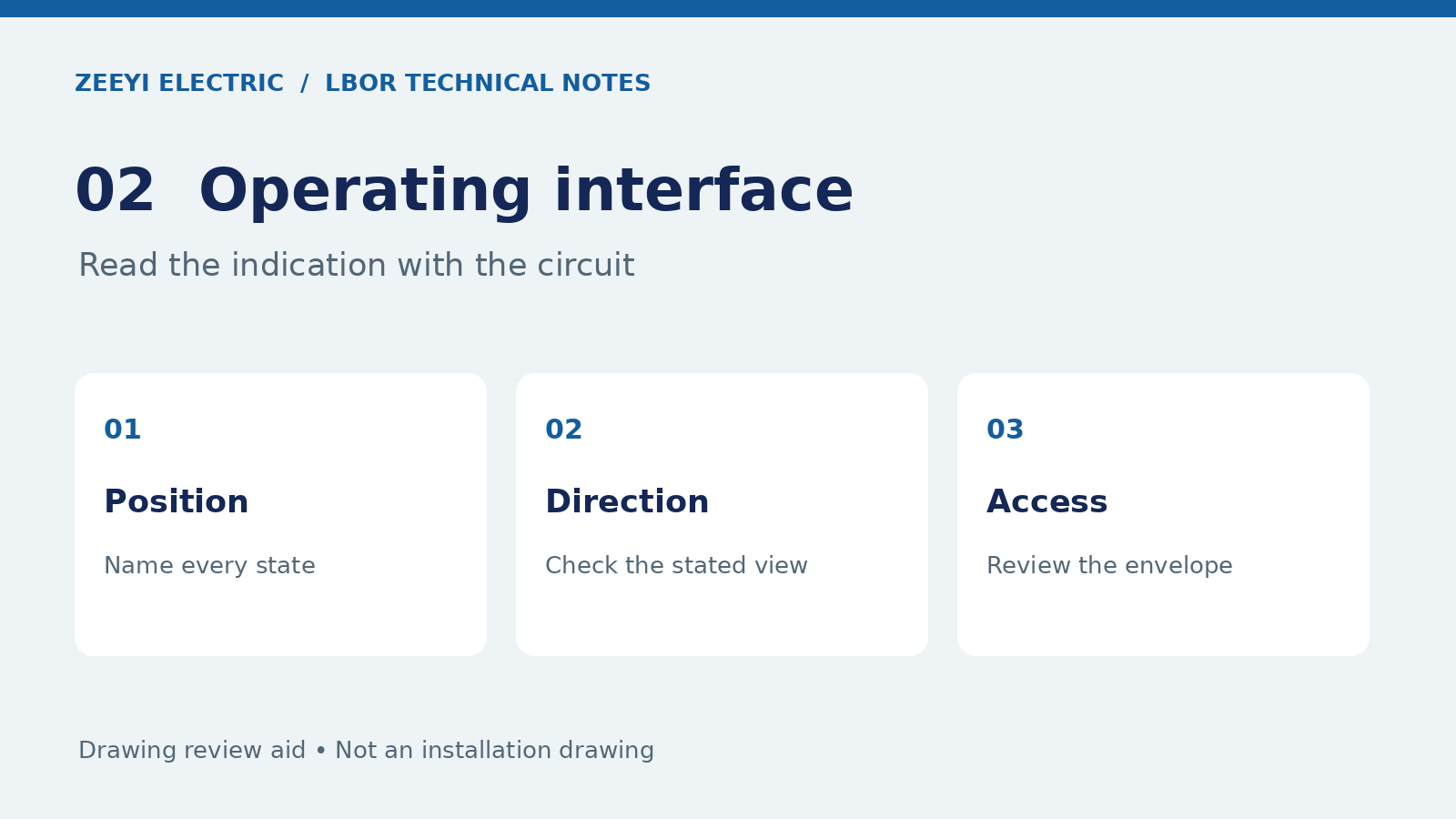
The external handle view should be reviewed alongside the terminal identification and circuit-position schedule. Ask which view defines the rotation direction and how each indicated position corresponds to the intended connection state. Do not approve a position label solely because it resembles an existing handle.
Record the operating-access envelope and any specified indication or locking arrangement as separate review items. The supplier should identify the exact configuration offered; the responsible engineer decides whether it meets the project's access and operating requirements.
For four-position arrangements, use the BBM versus MBB guide to organize transition questions. A dimensionally compatible handle does not establish the required switching sequence.
4. Terminals and clearance: review the assembled transformer
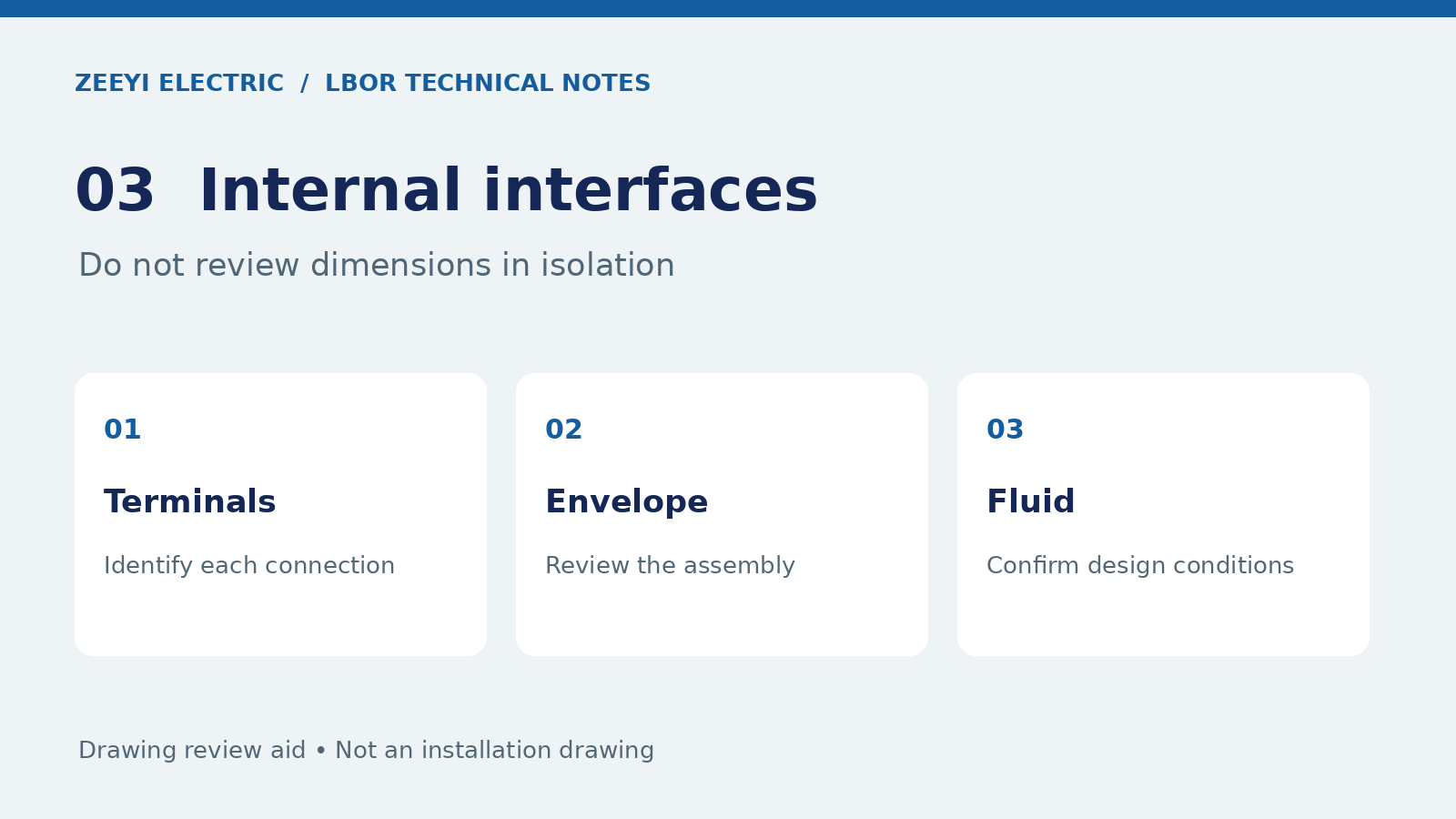
Terminal interface: confirm terminal labels, connection orientation and the drawing information needed to review the intended conductor arrangement. Keep the circuit diagram and mechanical drawing linked by the same device identification. If the supplier changes the terminal arrangement, ask which related documents must also change.
Internal envelope: review the proposed switch within the transformer assembly rather than as an isolated component. Ask for the information needed to assess interference with adjacent components and the required electrical clearances. Do not assign clearance values from a generic article or a product photograph.
The project engineer should resolve any uncertainty using the selected equipment documentation and applicable project requirements. Record “not demonstrated” when an interface has not been checked; a clean-looking outline is not evidence that every assembled condition has been reviewed.
5. Sealing and fluid conditions: ask for the specified interface
Identify the sealing interface and the associated materials or parts specified for the exact model. Ask the supplier to state the applicable fluid and service conditions. Avoid assuming that a seal or mounting arrangement from another switch is suitable because the nominal dimensions look similar.
The cited Eaton catalogue describes its under-oil switch and mechanism as immersed in insulating fluid and directs readers to its installation instructions. This is a reminder to obtain the correct manufacturer's conditions, not permission to transfer those instructions to a different product.
Any assembly method, torque, fluid level or acceptance test must come from the appropriate approved documents. If these details are absent from an inquiry package, request them; do not fill the gaps with an unverified rule of thumb.
6. Close questions with a revision-controlled response
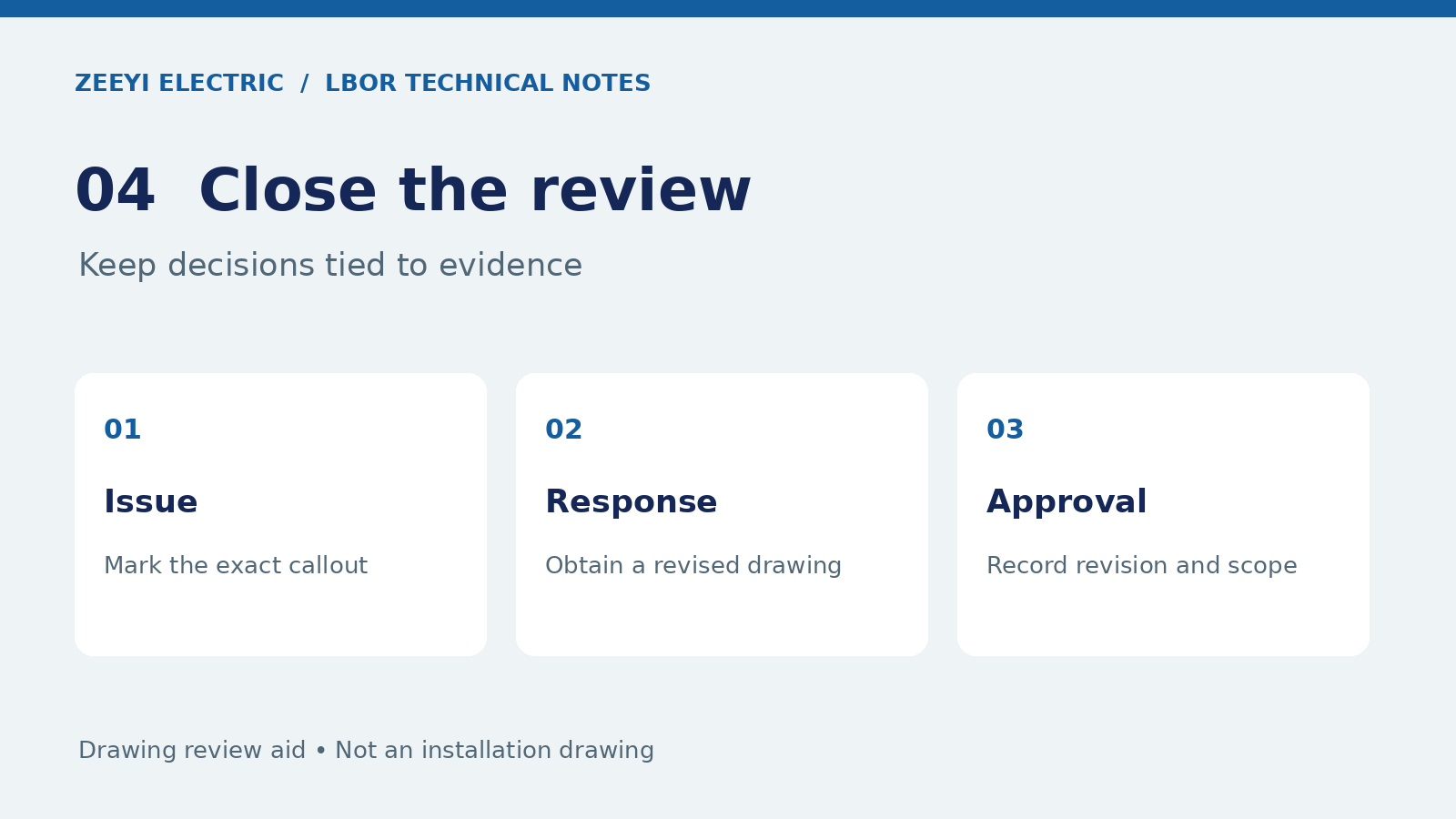
For every open point, record the drawing callout, the question, the supplier response and the revised document reference. Separate an explanation by email from a drawing change: if the drawing must change, require the revised drawing before treating that issue as closed.
For example, if the circuit schedule is clear but the mounting view is unspecified, keep the mounting issue open while recording the circuit review separately. This prevents one accepted feature from being mistaken for approval of the whole switch.
Keep electrical-duty acceptance separate from mechanical approval. Our current-rating review covers the difference between carrying, breaking and short-time withstand duties. The RFQ checklist helps assemble the wider document package.
Frequently asked questions
Does a matching mounting hole prove that two switches are interchangeable?
No. Review the mounting, operating, terminal, clearance and sealing interfaces, together with the separate electrical requirements and exact model documents.
Can a catalogue outline replace an approved project drawing?
Not automatically. Confirm the model, configuration, drawing revision and scope with the supplier and the responsible project engineer before accepting the outline for the project.
Should missing dimensions be estimated from a product photo?
No. Mark missing or unclear dimensions as open questions and request a dimensioned, revision-controlled drawing. A photograph is useful for identification, not dimensional approval.
Reference documents and next steps
Review the selected model using the ZEEYI two-position catalogue or four-position catalogue, then request the relevant project drawing. External reference: Eaton CA800005EN, March 2025, installation discussion and dimension tables. This source is not evidence of ZEEYI certification or dimensional interchangeability.
Send your model reference and marked-up drawing to yoyo@zeeyielec.com for a project-specific discussion.
Original explanatory graphics by ZEEYI ELECTRIC. These are review aids, not dimensioned engineering drawings. Reference checked 29 October 2026.